You can type or cut and paste from another document into your note.
To open Edit Toolbar, click on the pencil icon: 
This will open the Edit Toolbar with standard editing functionality, which looks like this:

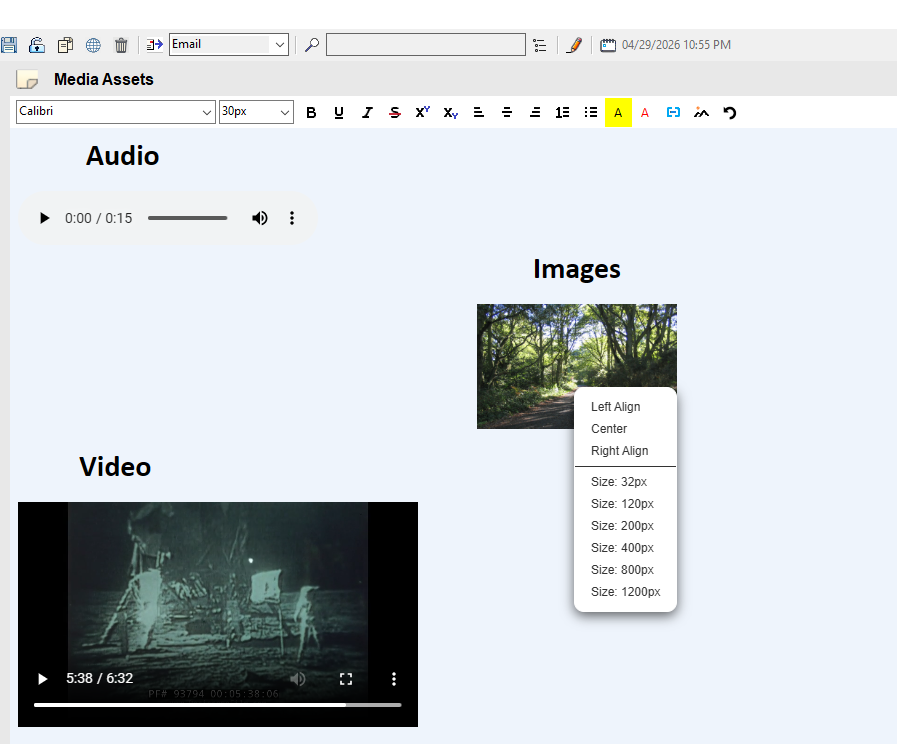
After highlighting text in your Note, you can modify the Font Family, Font Size, Font Style, Create a Link, or Insert Audio, Images, and Video.
NOTE: After Inserting a video or image, you can resize. Use Ctrl+Click or Shift+Click with the image.