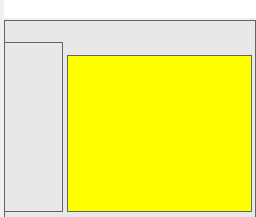
The Bookshelf interface is laid out with a Tree View, Menu Bar, Controls, Note Title, and Note Editor Sections
The Tree View section: This is where you will see Note Titles and where you can add, move, sort, and organize your notes.
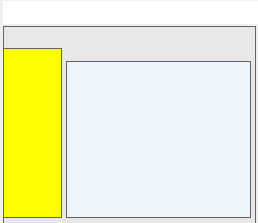
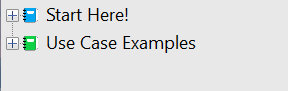
Note titles display in the Tree View like this:
Menu Bar & Controls: Contains the “File”, “Settings”, and “Help” menus. Also contains controls to save, lock, copy, view code, delete, email, search, and edit notes.
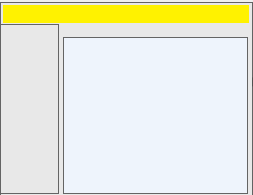
Note Title: View and edit the note title, also select the icon associated with your note.
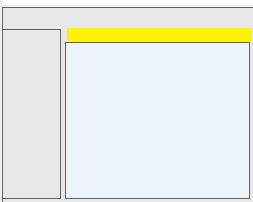
The Note Editor Section: View and edit note contents here: