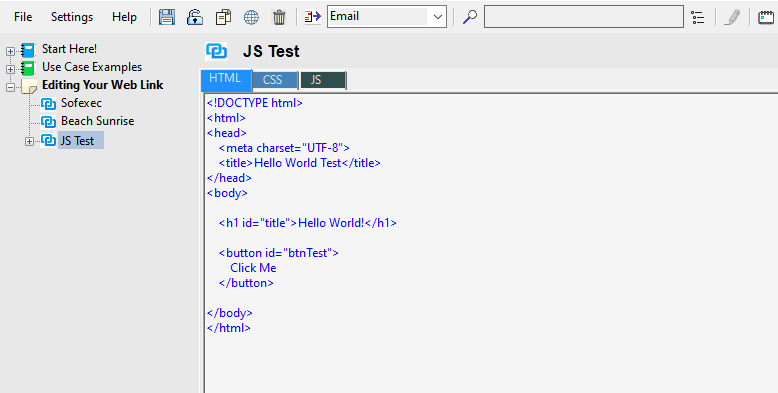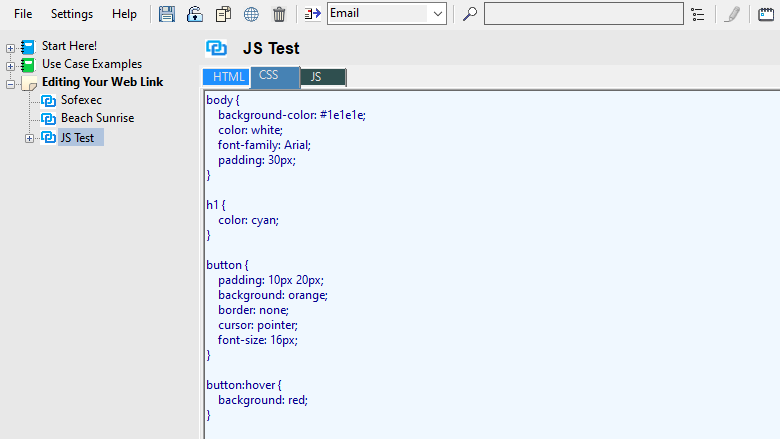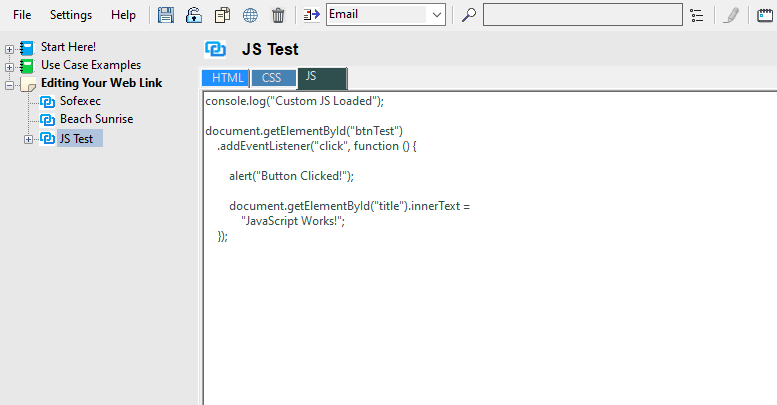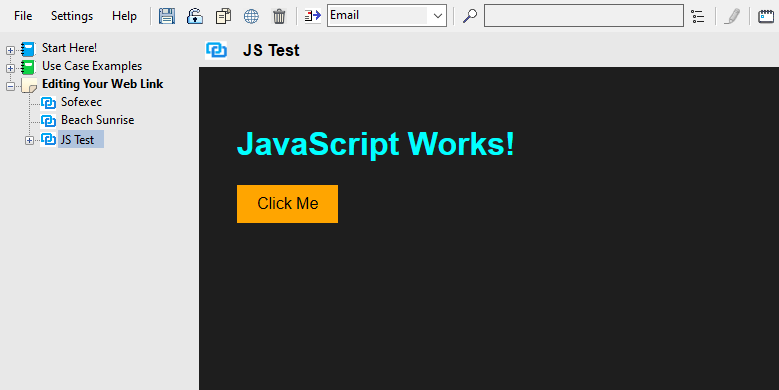
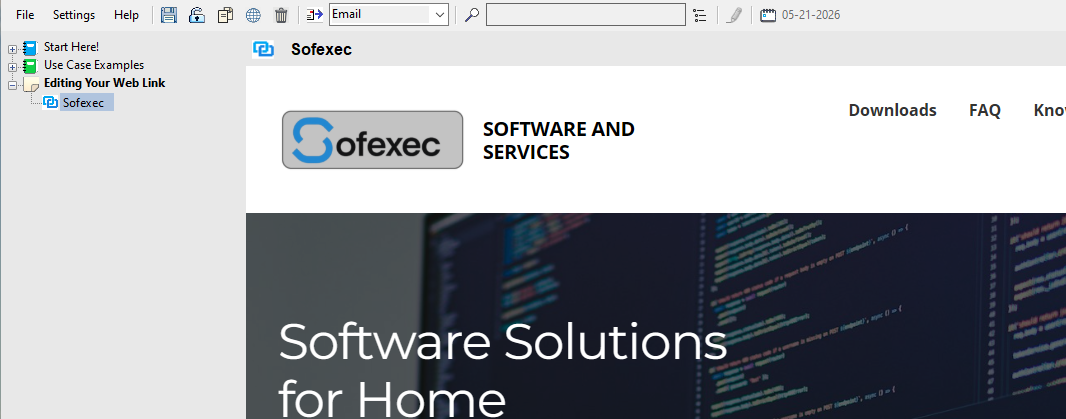
Web Links display the webpage for a URL, the file related to a read only local file path, or leverage your own custom code.
With Web Links, the HTML, CSS, and JS code views are directly editable.
Modifying the page displayed:
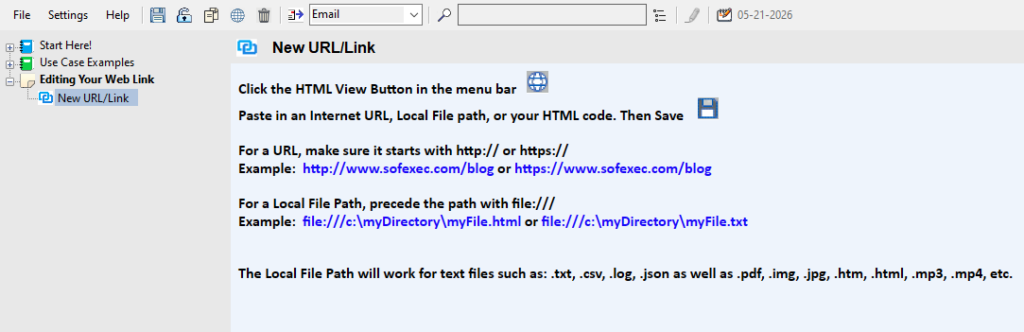
- Click
 (HTML View) in the menu bar
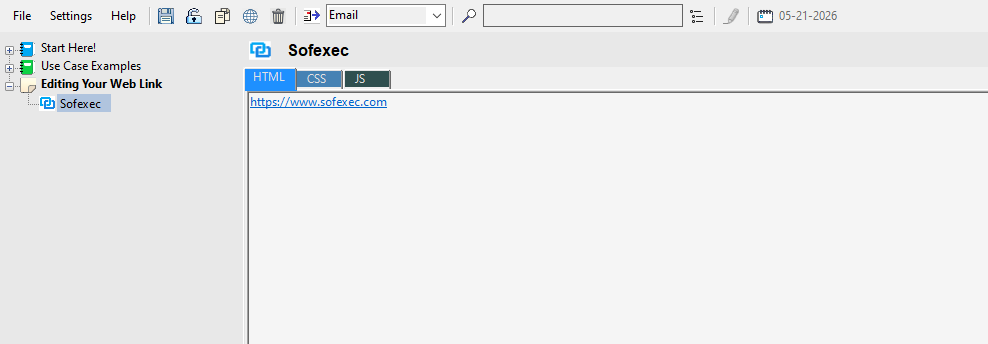
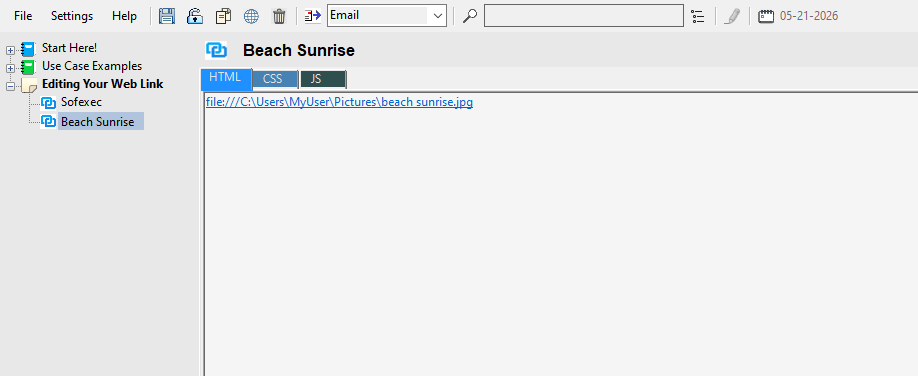
- Paste in an Internet URL, Local File path, or your Custom HTML code. Click
 (Save), then click to return to the Page View.
 - For a URL, make sure it starts with http:// or https://
For Example: http://www.sofexec.com or https://www.sofexec.com
- For a Local File Path, precede the path with file:///
For Example: file:///c:\myDirectory\myFile.txt
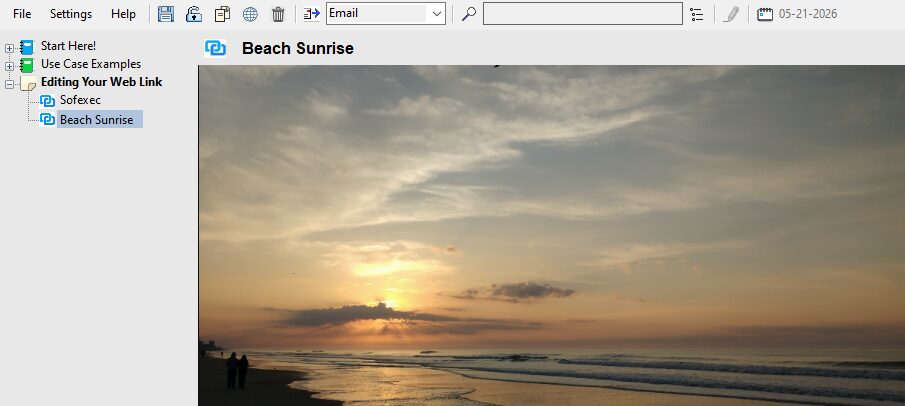
The Local File Path will work for text files such as: .txt, .csv, .log, .json as well as .pdf, .img, .jpg, .htm, .html, .mp3, .mp4, etc.
Web Link
Local File
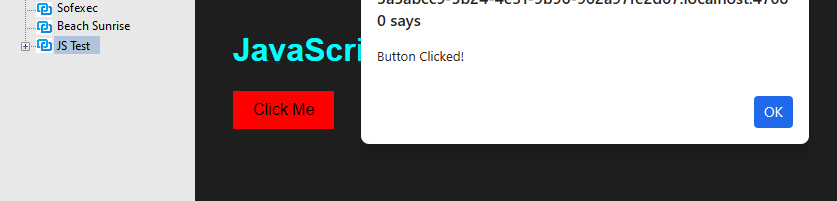
JavaScript