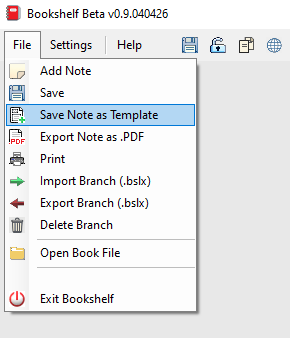
When you select:

You will see the following:
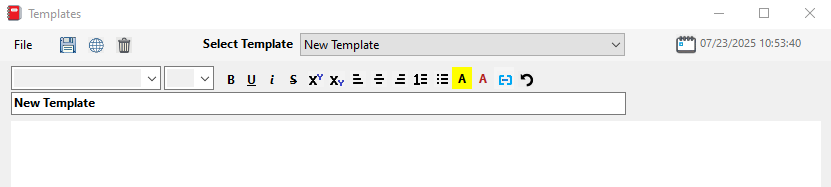
How it works:
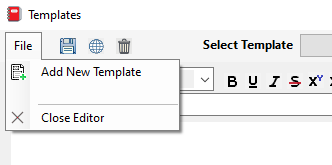
Create a new Template in the Template Editor by clicking the “File” menu and selecting “Add New Template“
Once you have created a new template, you can update the title, and modify the contents of the template.
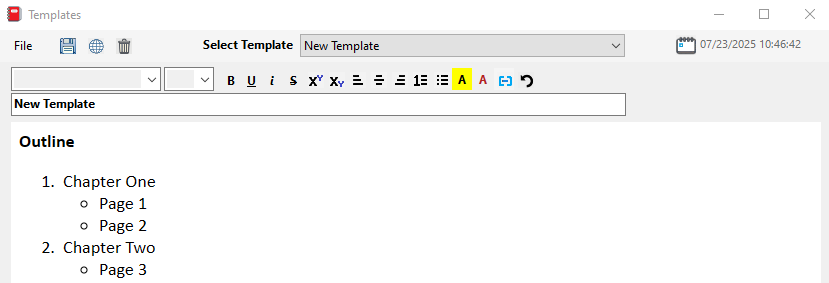
Save your changes by clicking the save button
Additionally, in the main application, you can also create a template from an existing Note by clicking the “File” menu and selecting “Save Note as Template“